
Download the app
Work on any device
One account, usable on computer, phone and browser.
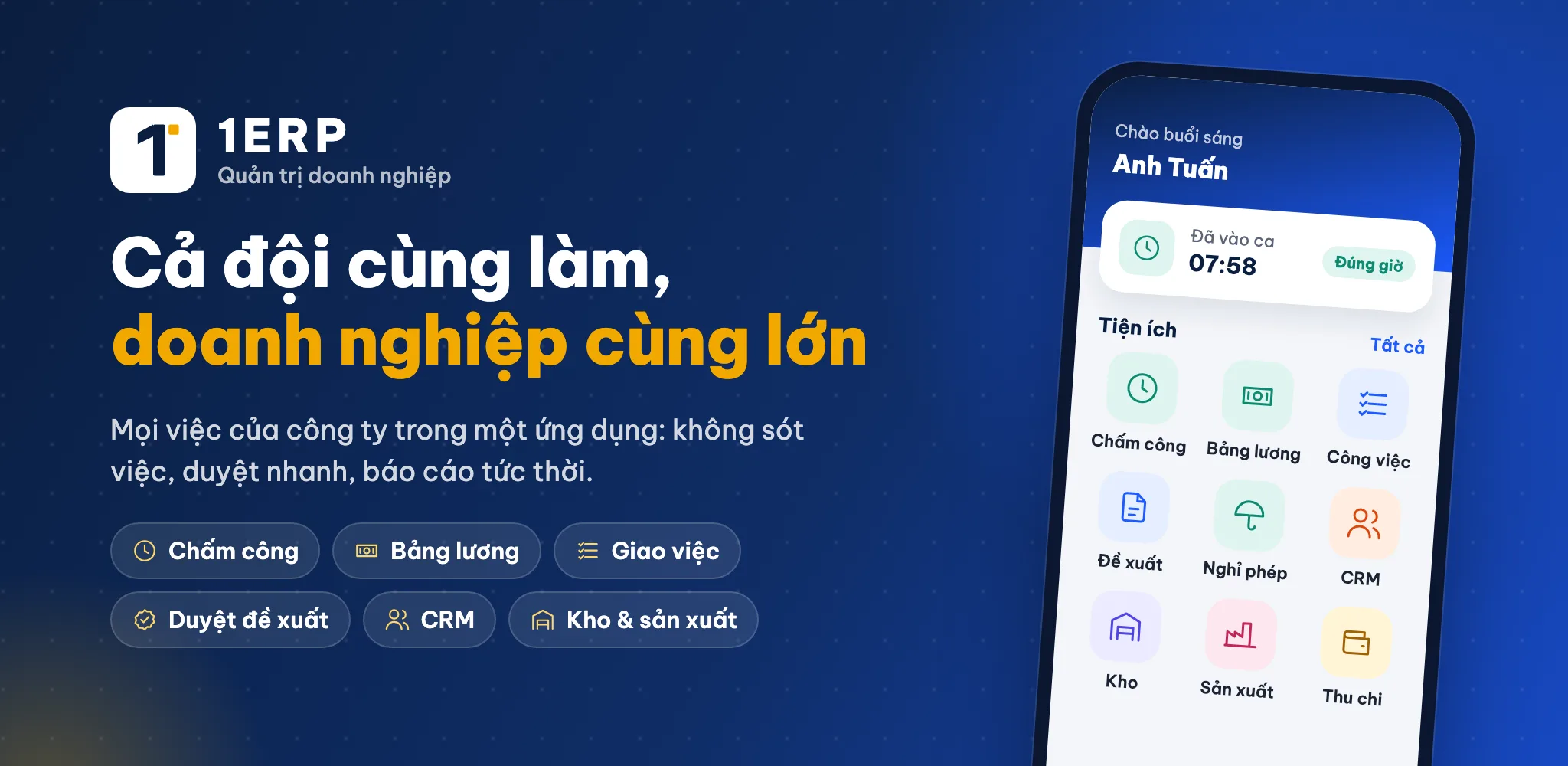

1ERP – Mobile app
Dashboard, reports & chat with the staff in charge- View overview reports anytime
- Dedicated interface for internal staff & logistics
- We don't share data with third parties
Download 1ERP app
Automatically opens the Google Play or App Store that fits your device.
Preview on the app store
On a dark background:
Option 1 on a dark background should use the background

#1A3360 so the icon does not blend in.

Desktop app
1Chat — workplace chat for businesses
macOS
macOS 10.15 trở lên · Apple Silicon & Intel
macOS (Apple Silicon & Intel)
6453fe8ee9cc…
Windows
Windows 10 / 11 · 64-bit
Coming soon
Linux
Ubuntu 22.04+, Debian 12+, Fedora… · 64-bit
Linux · AppImage (mọi bản phân phối)
4e8f364094de…
First-time setup
macOS
- Open file .dmg, drag 1Chat into the folder Applications.
- Sign in with your 1ERP account (email / phone number) or scan the QR code with the mobile app.
Windows
- Run 1Chat-…-setup.exe — installs for the current Windows account, no admin rights needed.
- If “Windows protected your PC” appears: click More info → Still running.
- Don't want to install: download the .zip, unzip and open 1Chat.exe.
Linux
- Ubuntu / Debian:
sudo apt install ./1chat_…_amd64.deb - AppImage:
chmod +x 1Chat-…AppImagethen run it directly. - Requires a keyring service (GNOME Keyring / KWallet) to stay signed in.
What's new in version 0.1.15
- Song ngữ Việt – Anh: chọn ngôn ngữ ở Cài đặt → Giao diện
- Dịch hơn 4.600 chuỗi giao diện, nhãn, menu, nhóm công việc
- Ngày tháng hiển thị theo ngôn ngữ đã chọn
- Máy chủ nhận ngôn ngữ của app để trả thông báo phù hợp
Data is stored on your device and the company server — never shared with third parties. Verify downloaded files using the SHA-256 checksum below each download button.

HHS Company Desktop
Version 1.0.1 · ERP, CRM, HRM, multiple workspacesWindows (64-bit, ARM64) — coming soon.